
Download Kill the Mouse – prank, fun, interactive, humor, game, mouse, desktop, chaos, entertainment, surprise, funny, playful, lighthearted, playful prank, desktop prank
Overview
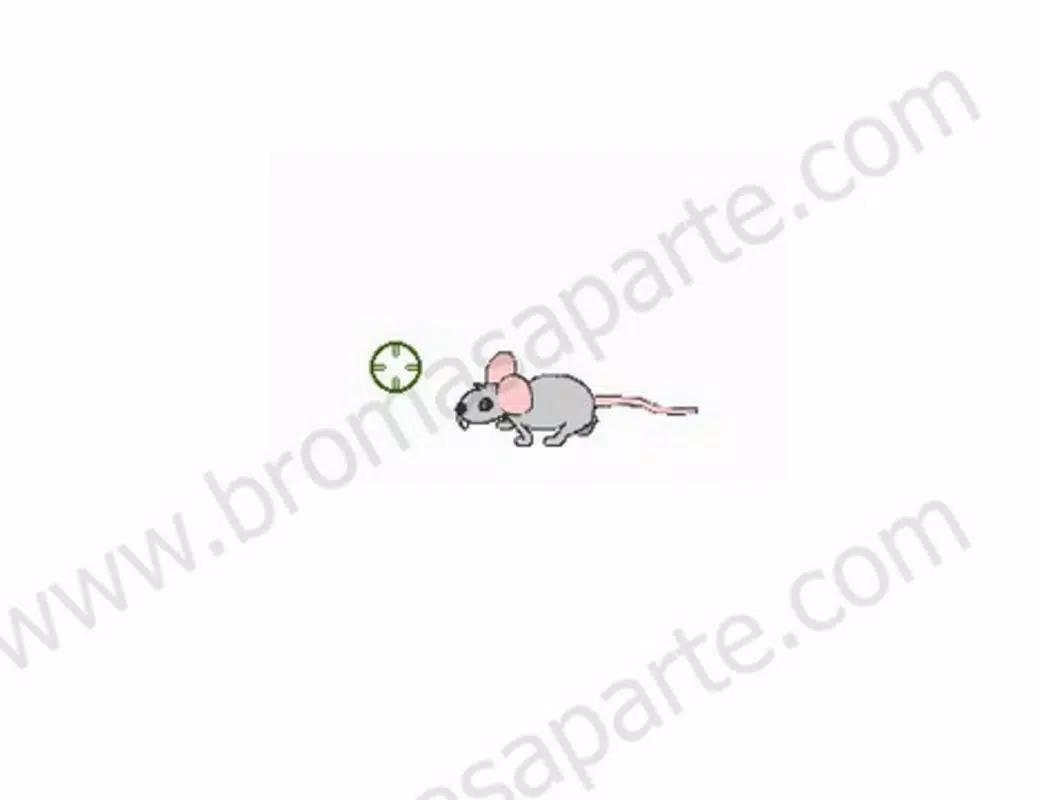
Kill the Mouse is a lighthearted prank application designed to inject playful chaos into the desktop computing experience. The app functions as an interactive game where users are tasked with eliminating animated mice that invade their screen, using a cursor transformed into a weapon. Its primary purpose is entertainment, offering a humorous twist on the everyday frustration of computer mice—turning it into a source of laughter rather than annoyance. The app targets users seeking casual, shareable fun, particularly those who enjoy light-hearted pranks on friends or family. It is especially suited for social settings where unexpected digital humor can spark reactions and strengthen connections through shared amusement.
The developer, Kill the Mouse, has positioned this app as a standalone utility within the entertainment category. While specific details about the company or its broader portfolio were not provided, the app’s release date of October 25, 2013, suggests it has been part of the mobile entertainment landscape for over a decade. Its enduring presence indicates a niche appeal and a simple yet effective concept. Real-world use cases include pranking coworkers during work hours, surprising roommates during gaming sessions, or adding humor to digital presentations. In the broader app ecosystem, Kill the Mouse stands out as a minimalist, single-purpose tool that leverages digital absurdity for entertainment, fulfilling a unique role in the space of interactive desktop humor.
Key Features & Functionality
- Interactive Gameplay: The app transforms the standard cursor into a weapon, allowing users to engage with animated mice on screen. Each click triggers a response, creating a dynamic and responsive experience that mimics a simple arcade-style game. The objective is to eliminate the invading mice before they multiply or overwhelm the screen.
- Humorous Consequences: When a mouse is hit, it reacts with exaggerated, comical behavior—such as flashing warnings about reformatting the computer. This unexpected twist adds a layer of surprise and laughter, making the experience feel more like a prank than a traditional game.
- Perfect for Pranks: The app is specifically designed to disrupt normal workflow or playtime in a playful way. Its simplicity and immediate visual impact make it ideal for quick, shareable moments of amusement, especially when used in group settings.
- Simple Download and Installation: The app is available for quick setup with minimal technical steps. Users can download and install it without requiring advanced setup, ensuring immediate access to the prank experience.
For example, a user might install the app during a video call and trigger a mouse invasion to surprise a friend, resulting in a moment of shared laughter. Similarly, a student might use it during a study session to break tension with a sudden burst of digital chaos. The app’s functionality is intentionally limited to a single, repeatable interaction, which enhances its usability as a prank tool rather than a complex game.
Interface, UX & Performance
The interface of Kill the Mouse is minimalistic, focusing on a single screen with animated mouse characters and a responsive cursor. The visual style is cartoonish and playful, aligning with the app’s humorous intent. Navigation is straightforward—users simply move the cursor and click to engage with the mice. There are no menus, settings, or complex workflows, which contributes to a frictionless user experience.
Although the developer did not list formal performance metrics, the app’s small file size of 1.2M suggests it is lightweight and optimized for low-resource environments. It is likely to run smoothly on a wide range of Android devices, including older models. Responsiveness appears to be a key design focus, as the mouse reactions are triggered immediately upon interaction. Stability is implied by the app’s long-standing presence on the platform, though specific crash reports or performance data were not disclosed.
Users can expect consistent behavior across different screen sizes and resolutions, as the app does not rely on advanced graphics or animations. The lack of complex UI elements reduces the risk of lag or stuttering, supporting a reliable experience. Overall, the UX prioritizes immediacy and fun over complexity, making it accessible to users of all technical skill levels.
Platform Compatibility & Technical Requirements
Kill the Mouse is available on the Android platform and requires no specific operating system version beyond the general compatibility of the Android ecosystem. The app’s file size is 1.2M, indicating it is designed for efficient storage usage and fast installation. While the developer did not specify minimum OS requirements or hardware specifications, its lightweight nature suggests it can function on a broad range of Android devices, including entry-level smartphones and tablets.
Compatibility with newer Android versions is likely, given the app’s release date in 2013 and continued availability. However, specific details about supported versions or device types were not provided. Users should ensure their device meets general Android requirements for app installation. The app does not appear to require special permissions or hardware features, which enhances its accessibility.
Pros and Cons
- Lightweight design with minimal storage impact (1.2M)
- Simple, intuitive interface suitable for all users
- Effective for quick, shareable pranks and social entertainment
- Free to download and use with no in-app purchases
- Long-standing presence on the platform, indicating reliability
- Functionality is limited to a single prank mechanic with no progression or replay value beyond novelty
- No customization options for mouse behavior or visual effects
- Limited to Android platform—no information on iOS or other systems
- Developer did not provide technical details on performance or compatibility
- May not appeal to users seeking serious gaming or productivity tools
FAQ
Is Kill the Mouse safe to install?
Yes, the app is designed as a harmless prank tool and does not contain malware or harmful code. It operates solely within the user’s device interface and does not access sensitive data.
Can I use Kill the Mouse on iOS devices?
The developer did not disclose iOS compatibility. The app is currently available only on Android, and no information was provided about potential future releases on other platforms.
Does the app require an internet connection?
No, Kill the Mouse functions offline. It does not need to connect to the internet to operate, making it suitable for use in environments with limited or no connectivity.
How often can I update the app?
Updates are released by the developer when improvements or fixes are needed. The current version is 1.0.2, and users can check for updates through their device’s app store.
Is the app free to use?
Yes, Kill the Mouse is available at no cost. There are no in-app purchases or hidden fees associated with the app.
Final Thoughts
Kill the Mouse stands out as a clever, minimalist tool that turns a common digital annoyance into a source of shared laughter. Its core strength lies in simplicity—delivering a single, repeatable prank experience with immediate impact. While it lacks depth or long-term engagement, it excels in its intended purpose: providing lighthearted entertainment for social moments. The app is ideal for users who enjoy playful interactions, prank culture, or quick digital humor.
Its lightweight design, free access, and ease of use make it a low-risk addition to any Android device. Whether used to surprise a friend, break the ice in a group, or simply add a touch of absurdity to daily computing, Kill the Mouse delivers on its promise of chaos and fun. For those seeking a no-frills, instantly deployable prank app, this is a solid choice.
Download Kill the Mouse now


